.png)
Time Doctor is an AI-backed employee monitoring tool that provides reports with detailed analytics for employees, tasks, projects, and clients.
It offers enterprise-level security and deployment with GDPR and HIPAA compliance. The tool offers custom user roles and permission settings along with 60+ integrations and 24-hour multilingual support. It’s backed by 99% uptime SLA.
The key features include unusual activity report and automatic and stress-free time tracking. The industries it caters to include CX & Contact Center, BPO & KPO, Staff Leasing, Technology Companies, Agencies and Healthcare. It’s a perfect fit for remote and hybrid teams.
It lets you keep the momentum going by identifying team members who need extra support and those who are top-performing.
Even though Time Doctor comes with its set of robust features, there are certain areas where users find it lacking, viz.:
 Source
 Source
Keeping these drawbacks in mind, there are afew alternatives to Time Doctor that can be used as a best fit.
- VSG-365.ai
- ActivTrak
- Hubstaff
- DeskTime
- Time Champ
Top 5 Time Doctor alternatives
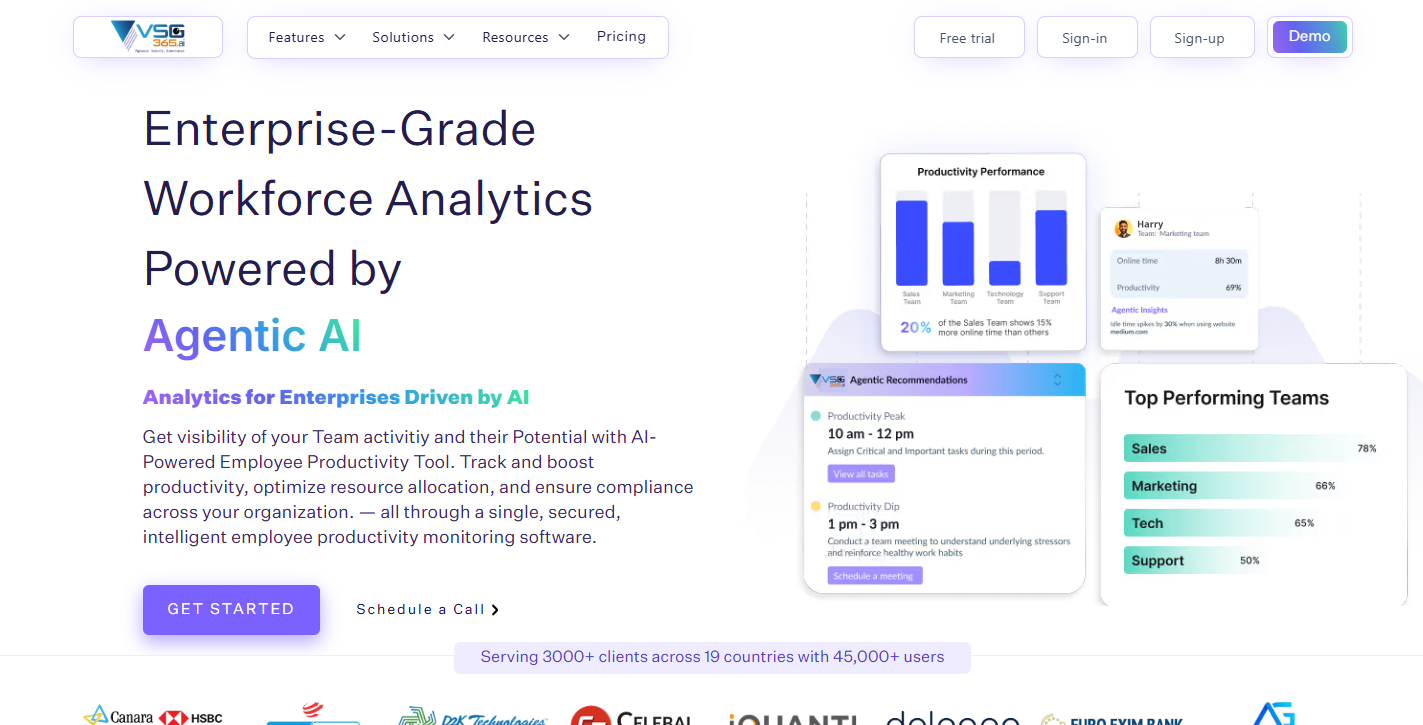
vsg-365.ai is aworkforce analytics and employee monitoring tool designed to enhance employeeproductivity and prevent burnout. It offers location performance, screenrecording, livestream, app and URLs’ classification as productive/unproductive,attendance management, domain blocking, and more. Serving over 5,500 companies and 20,000 users,it offers 99.99% uptime SLA. It is SOC-2, GDPR, ISO, and VAPT compliant, withTLS/SSL and AES-256 encryption for data protection.It runs smoothly on MAC OS 10.11 and above,most Linux OS versions, and Windows 7 or up. Its servers are located in secureenterprise data center facilities with 24/7 monitoring and hosting support. Thesoftware does not monitor anything when employees are on a break or whenthey’re not working.
|
Price (per user per month)
|
Pro - INR 399
Enterprise - Request Quote
|
|
Features
|
- Attendance Management – Track attendance accurately, generate detailed reports, and receive automated email alerts.
- Real-Time User Activity – Monitor employee activity in real time with instant notifications using We360.ai.
- Productivity Application Tracking – Classify applications as productive or unproductive to improve time utilization.
- Hourly Engagement Insights – Analyze daily work patterns and productivity trends hour by hour.
- Activity & Inactivity Monitoring – Measure active and idle time to gain clear productivity insights.
- Goal Setting & Benchmarking – Set performance goals and track progress against defined benchmarks.
- Screenshot Monitoring – Capture periodic screenshots to ensure productivity and maintain security.
- Location Tracking – Monitor GPS location for better visibility into remote and field workforce activity.
- Project & Task Management – Simplify task assignment and project execution for improved team efficiency.
|
|
Best for
|
Growing businesses & teams who want to maximize their productivity from industries like IT/ITES, Staffing and Recruiting, Marketing agencies, and more.
|
vsg-365.ai vs Time Doctor
|
Feature / Aspect
|
We360.ai
|
Time Doctor
|
|
Core Purpose
|
AI-driven workforce productivity and employee monitoring with advanced analytics and insights.
|
Time tracking and employee monitoring focused on detailed time analytics and productivity insights.
|
|
Real-Time Monitoring
|
Real-time activity & productivity dashboards.
|
Real-time tracking of work hours and activities.
|
|
Time Tracking
|
Tracks active/idle time, attendance & timesheets.
|
Automatic time tracking (online & offline).
|
|
Activity Monitoring
|
App/website usage, keyboard/mouse activity.
|
Captures screenshots, app/website usage, idle vs active.
|
|
Screenshot Capture
|
Automated screenshots & live view.
|
Screenshot capturing at intervals; video recording on higher plans.
|
|
Productivity Analytics
|
AI-powered insights, benchmarks, and trend analysis.
|
Productivity reports and usage analytics.
|
|
Project & Task Management
|
Built-in project & task management.
|
Basic task tracking; project features limited vs dedicated tools.
|
|
Attendance & Shift Tracking
|
Includes attendance, shifts, and breaks.
|
Attendance & scheduling included in paid plans.
|
|
Mobile App
|
Yes (mobile monitoring possible).
|
Yes, available on iOS & Android.
|
|
GPS / Offline Support
|
Not a core focus (primarily desktop and online monitoring).
|
Offline time tracking & GPS support (varies by plan).
|
|
AI & Advanced Insights
|
Predictive insights, AI trend analysis.
|
Traditional analytics without deep AI forecasting.
|
|
Ease of Use
|
Reported easy setup and intuitive dashboards.
|
Generally easy for teams to adopt.
|
|
Pricing Tier
|
Competitive pricing, often INR-based entry plans.
|
Tiered USD pricing with free trial.
|
|
Best Suited For
|
Teams needing AI insights, detailed productivity, attendance + task management.
|
Teams focused on time tracking, productivity measurement, and detailed usage logs.
|
|
Potential Downsides
|
May require transparency to avoid feeling intrusive.
|
Monitoring can feel invasive; mobile app issues are reported.
|
ActivTrak
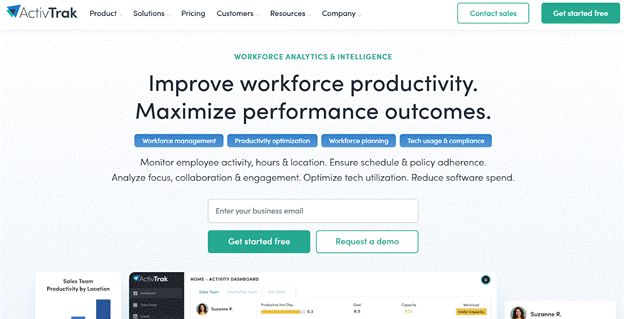
ActivTrak lets you track workforce performance and monitor employee activity and work hours. It is a privacy-first, workforce analytics tool offering insight into how teams work. It collects activity data, viz. productivity, utilization, focus and more, enabling executives to make data-driven decisions.
It helps reduce employee burnout and optimize technology and real estate spend. The tool enables CEOs to drive EBIDTA growth, CFOs to improve ROI, and COOs to optimize efficiency. It is the best fit for hybrid and remote teams, regardless of location.
The platform also supports compliance with GDPR, CCPA, SOC 2, HIPAA, and other regulations. It integrates with BI, HRIS, workflow, and collaboration platforms, including Power BI, Workday, Salesforce, Jira, Slack, Microsoft 365, Google Workspace, Azure AD, and various SIEM platforms. ActivTrak is trusted by 9,500 organizations so far.
|
Price (per user per month)
|
- Free - $0
- Essentials - $10
- Essentials plus - $15
- Professsional - $19
|
|
Features
|
- It shows how work really happens across knowledge workers, back-office functions, front-line and hybrid environments.
- Reduces time spent on low-value activities to focus on what drives results.
- See cross-team performance, identify hidden cost saving and make confident, informed decisions.
- Receive real-time notifications of policy violations or security risks to enable corrective action.
|
|
Best for
|
All small to large-sized businesses, including logistics, human resources, finance, operations, IT, sales, support, contact centers, and manufacturing.
|
Pros
- Setting parameters and conducting spot auditing are great features for team development.
- It gives detailed reporting of time tracking and websites visited for remote staff.
Cons
- There should be a way to save screen activities or snapshots.
- Licensing for an entire year is a spoiler. It should be monthly or quarterly.
Hubstaff
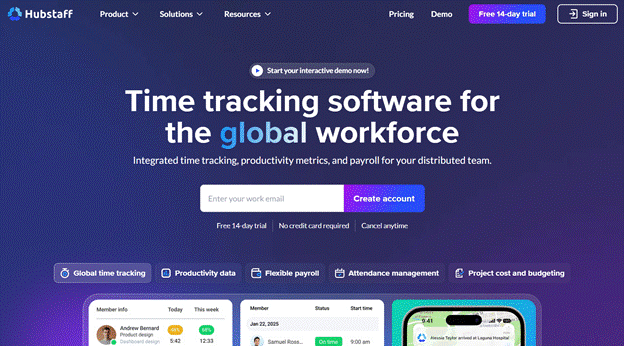
Hubstaff is a time tracking application with built-in productivity monitoring, workforce analytics and automated payment features. Managers can track time and tasks with their desktop, web, or mobile applications.
It detects suspicious activity, URLs, or unusual keyboard or mouse movements. Hubstaff takes screenshots once, twice, or thrice every 10 minutes but doesn’t record video. It has built-in GPS time tracking capabilities, allowing managers to trackthe location of employees.
The tool is best fit for Software development, BPO, VA, SMB, Advertising, Marketing and consulting. It is compliant with GDPR, NYA1920A law, PIPEDA, SOC-2 and HIPAA. It integrates well with Hubstaff Tasks, ClickUp, ASANA, PayPal, FreshBooks, Gusto, Freshdesk, Deel, Trello, Zendesk and more.
|
Price (per user per month)
|
Starter - $4
Grow - $7
Team - $10
Enterprise - $25
|
|
Features
|
- Get automatically generated timesheets from digital or manual time entries.
- Pay the global team without hassle of currency conversions. It automatically calculates amount based on tracked hours and approved rates.
- Set productive apps and URLs and see industry-specific benchmarks.
- Accesses real-time workforce performance metrics.
|
|
Best for
|
Agencies, software development businesses, consulting, eCommerce, real estate, marketing agencies, and staffing and recruiting.
|
Pros
- Its time tracking is robust, reminding when time is idle.
- It displays data for daily, monthly and yearly with custom bar charts.
Cons
- Sometimes it doesn’t sync with JIRA and displays tasks that have already been done.
- Gives unnecessary display of redundant tasks.
DeskTime
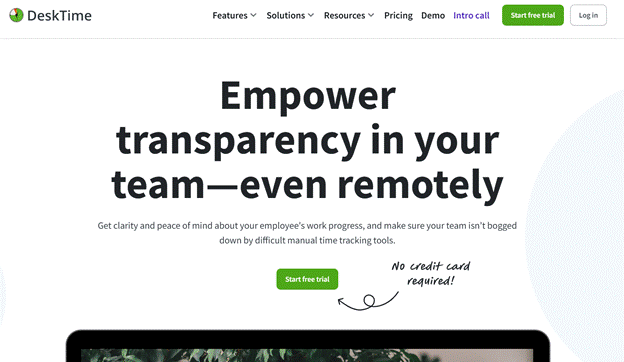
DeskTime is a robust workforce analytics tool optimizing workforce efficiency. It allows you to bring time and project management applications together to track time efficiently. The tool offers two types of integrations, viz. Calendar and Project app.
It gives accurate insights into projects to determine profitability and allocate resources. DeskTime is fully automated from start to end with no human error. Features like screenshots or URL keep you informed about your team’s progress and trends during work hours.
The app is compliant with ISO 27001 and GDPR, and offers two-factor authentication. It integrates with Google Calendar, Outlook Calendar, Trello, ASANA, GitLab, JIRA and Zapier.
|
Price (per user per month)
|
Pro - INR 366.67
Premium - INR 513.33
Enterprise - Custom
|
|
Features
|
- Start/stop time tracker when the computer turns on/off.
- Check the dashboard to identify the productivity of each employee.
- When you integrate a project app, such as JIRA or Asana, into DeskTime, all available projects and tasks are imported.
- Check productive time, divided by the total DeskTime and expressed as a percentage.
|
|
Best for
|
Remote and hybrid teams.
|
Pros
- Keeps track of employees in a remote/hybrid setting.
- Tracks all projects in real-time with live screenshot feature.
Cons
- Initial navigation of DeskTime has its own hiccups.
- Some of the apps/websites are tagged as “unproductive” instead of “neutral”.
Time Champ
Time Champ is an employee monitoring tool providing insight into activity tracking, idle time tracking, and productive time tracking. It works on Windows, Linux, or MacOS and uses Android or iOS to see reports.
It has three levels of support - email, helpdesk, or WhatsApp group. Time Champ complies with GDPR, ISO 27001, HIPAA, and SOC 2 to ensure sensitive information stays private. Being extremely lightweight, it doesn’t always need the internet to stay functional. As a SaaS tool, it is deployed on the cloud; however, if you need it can be deployed on your personal servers.
It integrates with 100+ apps, including identity management, customer service help desk, employee experience management, HCM, project management, Salesforce automation, CRM, and more.
|
Price (per user per month)
|
Starter - INR 200
Professional - INR 300
Enterprise - INR 550
|
|
Features
|
- Track attendance in real-time with geolocation tracking and automated reminders.
- Get real-time insights into the team’s performance.
- Track tasks' turnaround time and plan projects to perfection.
- Measure, analyze and improve your teams’ overall productivity.
|
|
Best for
|
Small to large-sized Fortune 1000 companies.
|
Pros
- It gives a detailed report comprehensively on a dashboard, classifying employees as productive and unproductive.
- Features like key stock and video recording help manage team productivity and prevent employee burnout.
Cons
- Needs continuous upgrades and improvements.
- Time Champ should improve to show the pop-up for inactivity.
Time Champ


.png)