ActivTrak is a workforce analytics and employee monitoring software designed to optimize workforce productivity and minimize employee burnout. It is privacy-first and offers insight into how employees utilize their time and overcome bottlenecks, if any.
The data it collects are productivity, focus, and utilization, empowering you to make informed decisions. It gives CEOs the capability to drive EBITDA growth, CFOs to improve ROI and COOs to enhance efficiency. The tool is suited for remote, hybrid and in-office teams.
ActivTrak is compliant with HIPAA, GDPR, SOC2, CCPA and other compliance standards. The tool integrates well with BI, HRIS, workflow and collaboration platforms. These include Power BI, Workday, Salesforce, JIRA, Slack, Microsoft 365, Google Workspace, Azure AD and other SIEM platforms. Its client base extends to more than 9,500 organizations so far.
Even though it comes with its set of astounding features, there are certain aspects that certain users find it lacking.
E.g.,
 source
 source
 source
Given these drawbacks in mind, we compiled a set of best-fit ActivTrak alternatives:
Top 5 Hubstaff alternatives
Let’s dive deep into these alternatives’ features.
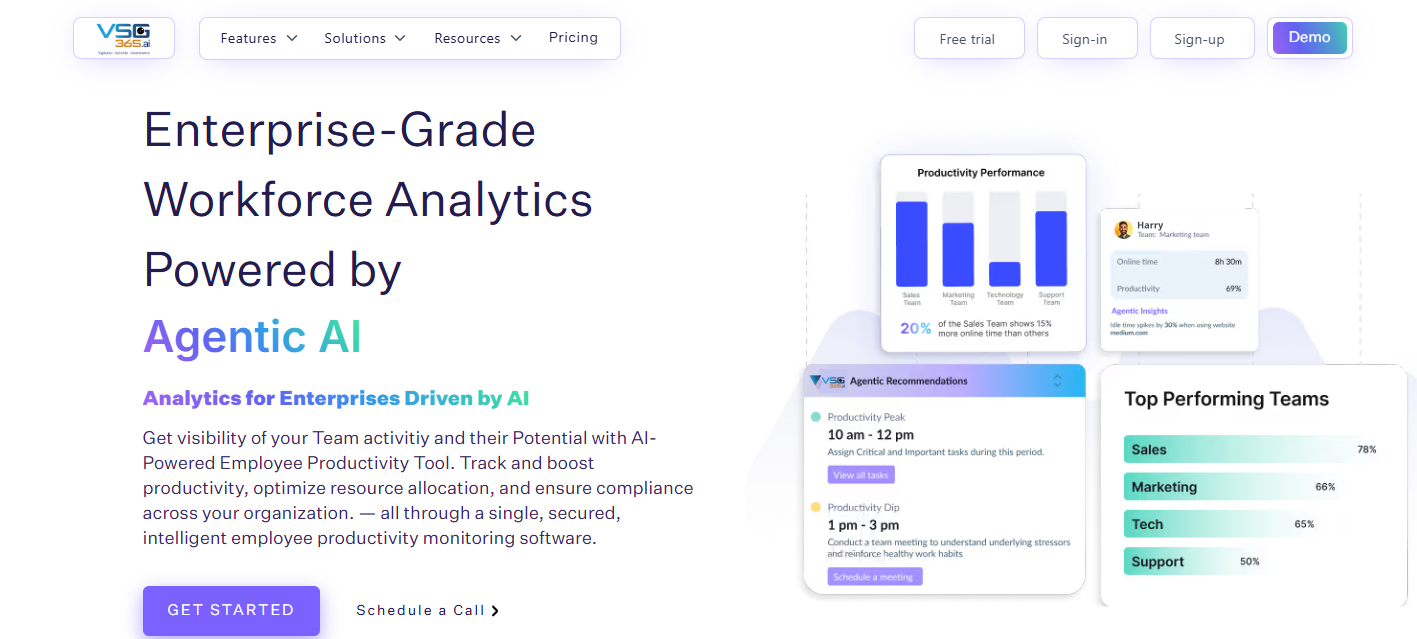
vsg-365.ai is a workforce analytics and employee productivity monitoring app. It tracks hours, attendance, and sees how employees utilize their time. You can get an in-depth insight into which applications and websites employees are using and make strategic decisions.
The tool has a client base of 5,500+ companies and 20,000+ users, and offers 99.99% uptime SLA. It is SOC 2, GDPR, ISO, and VAPT standards compliant and secures data using TLS/SSL protocols and AES-256 encryption.
It runs smoothly on macOS 10.11 and above, most Linux distributions, and Windows 7 or later.
|
Price (per user per month)
|
Free $0
Starter $5
Pro $7
Enterprise - Request Quote
|
|
Features
|
- Attendance Management – Accurately track attendance, generate detailed reports, and receive automated email alerts.
- Real-Time User Activity Monitoring – Track employee activity live and receive instant notifications with vsg-365.ai.
- Productivity Application Tracking – Categorize applications as productive or unproductive to optimize time usage.
- Hourly Engagement Insights – Analyze daily work patterns and productivity trends on an hour-by-hour basis.
- Activity & Inactivity Monitoring – Measure active and idle time for clear, actionable productivity insights.
- Goal Setting & Benchmarking – Define performance goals and monitor progress against set benchmarks.
- Screenshot Monitoring – Capture periodic screenshots to maintain productivity and strengthen security.
- Location Tracking – Track GPS location for enhanced visibility into remote and field workforce activity.
- Project & Task Management – Streamline task assignments and project execution to boost team efficiency.
|
|
Best for
|
Growing businesses & teams who want to maximize their productivity from industries like IT/ITES, Staffing and Recruiting, Marketing agencies, and more.
|
|
Feature
|
vsg-365.ai
|
ActivTrak
|
Why vsg-365.ai is Better
|
|
Attendance Tracking
|
Yes
|
Limited
|
vsg-365.ai offers full attendance with reports and alerts
|
|
Real-Time Monitoring
|
Yes
|
Limited
|
Live activity tracking with instant notifications
|
|
Productivity App Tracking
|
Yes
|
Yes
|
vsg-365.ai adds deeper productivity classification
|
|
Hourly Productivity Insights
|
Yes
|
Limited
|
Clear hour-by-hour engagement visibility
|
|
Activity & Idle Time Tracking
|
Yes
|
Yes
|
More actionable insights with benchmarks
|
|
Goal Setting & Benchmarking
|
Yes
|
No
|
Performance goals are built in with tracking
|
|
Screenshot Monitoring
|
Yes
|
No
|
Stronger accountability and security
|
|
Location (GPS) Tracking
|
Yes
|
No
|
Ideal for remote and field teams
|
|
Project & Task Management
|
Yes
|
No
|
Eliminates the need for separate PM tools
|
|
Pricing Flexibility
|
Competitive
|
Higher tiers
|
More cost-effective for growing teams
|
Prohance
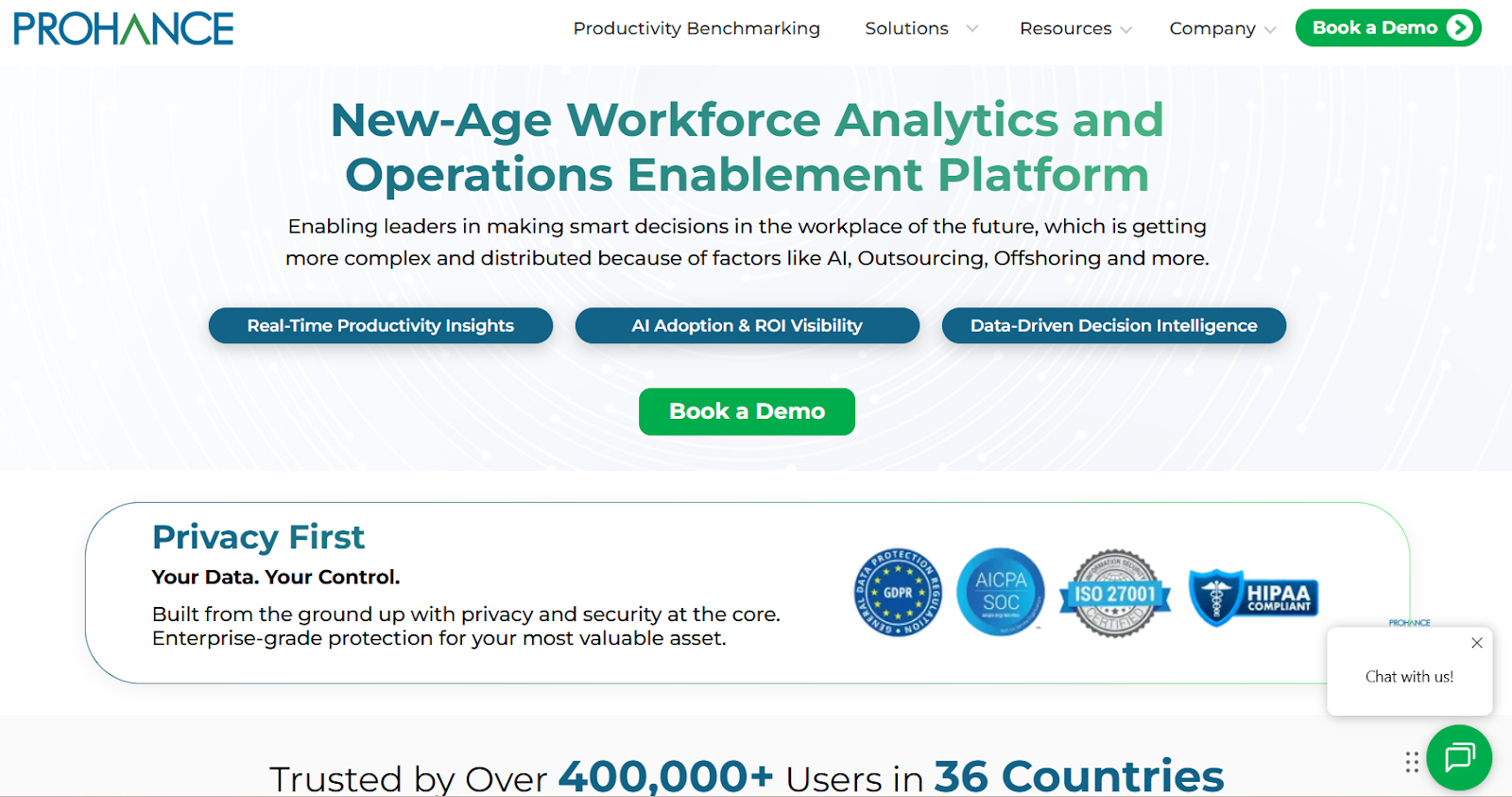
Prohance is an enterprise-grade workforce analytics and employee monitoring tool designed to manage employees using data and analytics. It analyzes productivity data and time spent on applications to offer insight into work patterns.
It is a no-code product suitable for both small and enterprise-grade businesses, including start-ups and Fortune 500 companies. Prohance integrates with Workday, SAP, Oracle, JIRA, Darwinbox, Rippling, etc.
It is ISO 27001 and SOC 2 certified, along with being EU GDPR and HIPAA compliant. ProHance gives a comprehensive range of submodules like the Activity Dashboard, Workload Analysis, Attendance, Timesheet, and Current Activity. It offers 200+ reports for the workforce with real-time visibility into key metrics. Some industries it serves are Banking & Finance, BPO & KPO, Global centers (GCC), healthcare, and IT.
|
Price
|
No pricing found
|
|
Features
|
- No code platform for seamless process digitization.
- Powerful reporting engine notifying areas for managers and employees to focus on.
- Creating quality parameters to measure the quality of the process.
- Key features include automated work allocation, job flow management, and task tracking in real-time.
|
|
Best for
|
Small to large enterprises include Fortune 500 companies.
|
Pros
- It is easy to use with convenient features.
- It's very helpful to find the unnecessary time employees spend.
Cons
- The support system needs to be improved.
- Sometimes the tool asks for reason for being offline even when employees are away from the system for 15 minutes.
Time Champ
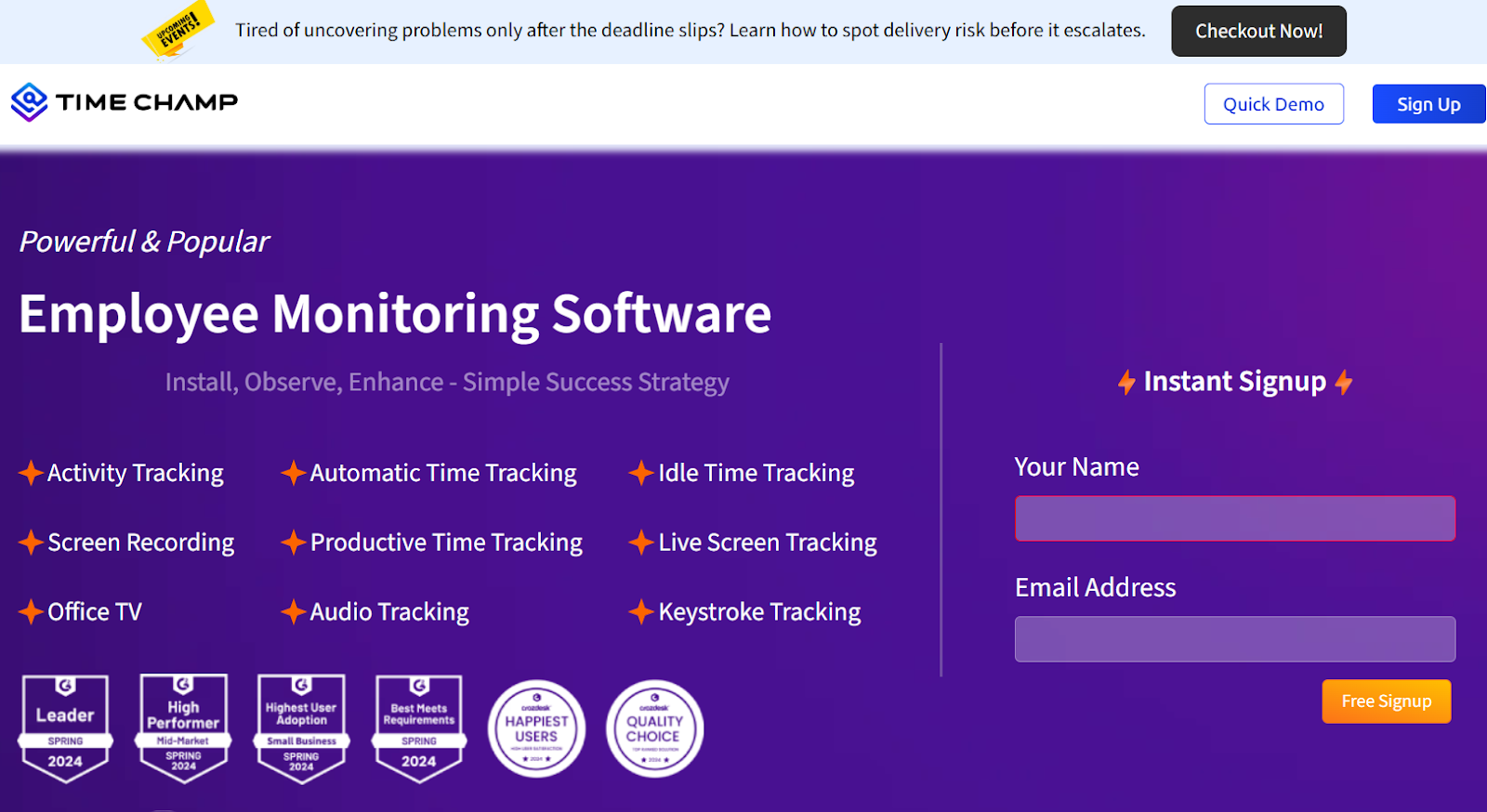
Time Champ is a seasoned workforce analytics and employee monitoring software for boosting productivity and minimizing burnout. It is used for activity tracking, automatic time tracking, screen recording and many more features.
It is primarily used for remote workforce management, safeguarding sensitive data access, employee training and development, project management and policy compliance.
Time Champ is used by 100,000+ users in 63+ countries. It follows major compliance standards like GDPR, ISO 27001, HIPAA, and SOC 2 to ensure sensitive information stays private
|
Price (per user per month)
|
Starter - $3.24
Professional - $6.47
Enterprise - $12.94
|
|
Features
|
- Track attendance in real time with GPS-based location tracking and automated reminders, and assign resources to the right projects.
- Schedule shifts across time zones and support flexible work models.
- Monitor task completion, detect delays, and identify time slippages.
- Measure, analyze, and continuously improve overall team productivity.
|
|
Best for
|
Small to medium-sized enterprises among Fortune 500.
|
Pros
- It shows exactly where time goes - tasks, websites, or idle time.
- Features like productive and unproductive metrics, web usage, leave management, and automatic timesheet help manage employees better.
Cons
- When employees are in a meeting and do not click the mouse, it is considered idle time.
- Sometimes it faces issues with live streaming and does not capture any data.
DeskTime
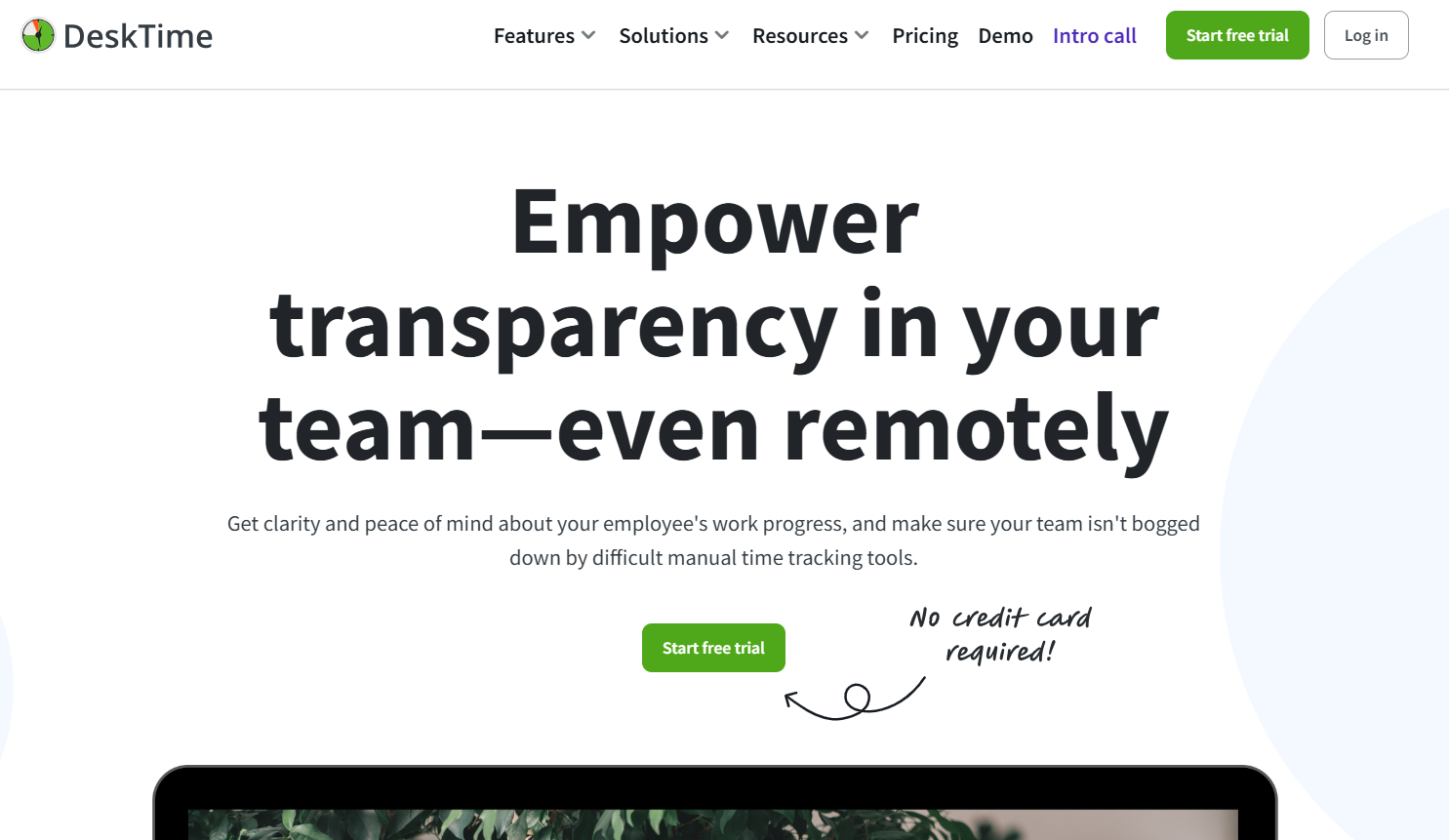
DeskTime is a powerful workforce analytics tool that offers insights into workforce performance and enhances productivity during work hours.
See which applications and apps your team uses during their worktime. It is ISO 27001 and GDPR compliant and offers two-factor authentication.
It integrates with calendar and project management tools like JIRA, ASANA, Google Calendar, GitLab, and more. You can also build custom tools and applications using the DeskTime API to analyze and interpret data, and seamlessly integrate insights into your existing workflows.
|
Price (per user per month)
|
Pro - $4.58
Premium - $6.42
|
|
Features
|
- Eliminate distractions and stay informed about which employee is doing what.
- Get precise insights into the project to determine bottom-line resource allocation.
- Get a better glimpse into your employees’ workdays with screenshots.
- Connect DeskTime with project management tools and track time on specific projects and meetings.
|
|
Best for
|
Remote and hybrid teams.
|
Pros
- Users have claimed a productive time surge by using DeskTime.
- Fully automatic time tracking has helped tracking employee easy.
Cons
- Isn’t compatible with some Linux versions.
- The accuracy of work hours is questioned sometimes.
Insightful
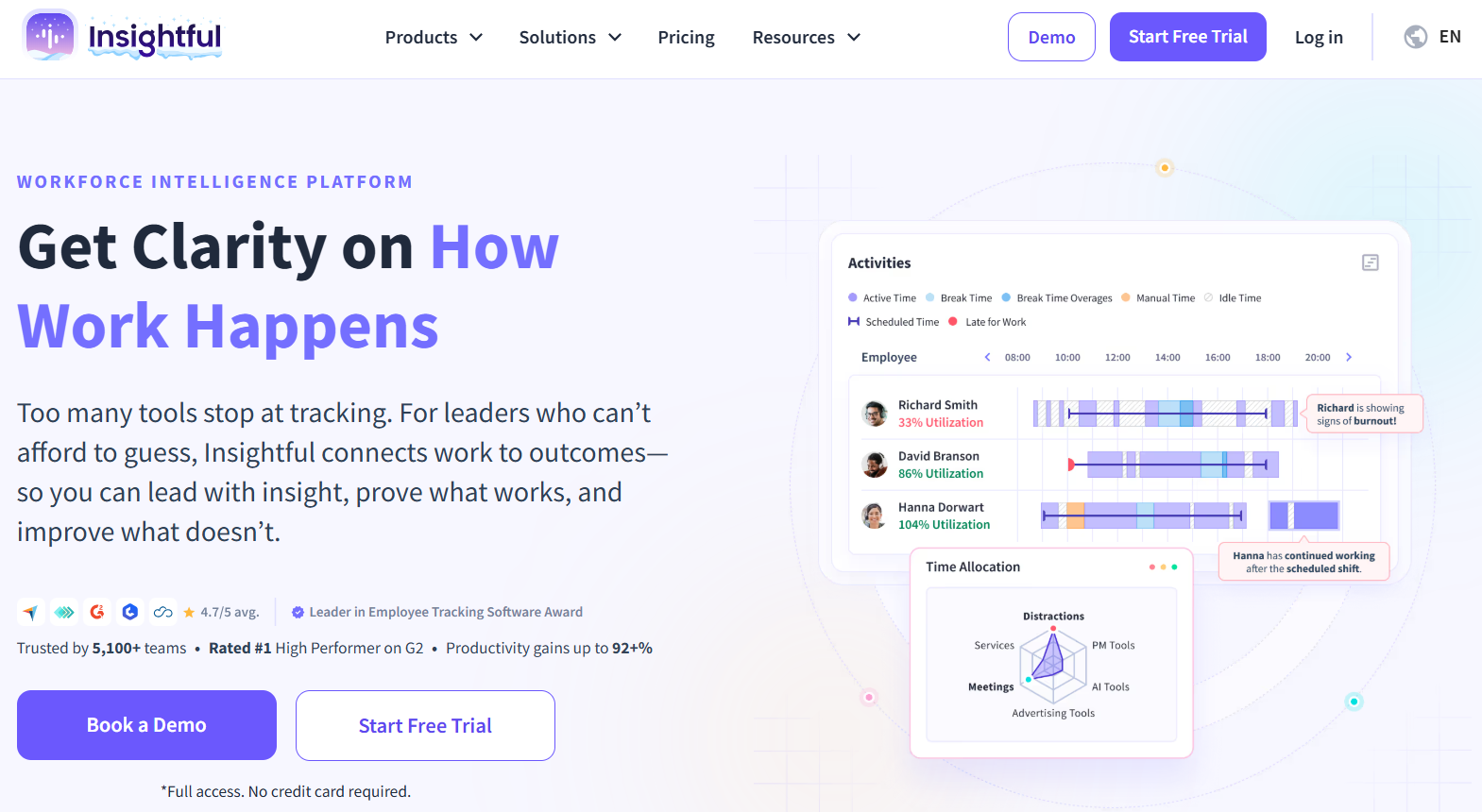
Insightful captures daily work in real-time, shows where employees’ time goes, what slows them down, and how to fix it. It is designed for modern workplaces supporting remote, hybrid and in-office teams.
Track focus hours for remote employees, monitor idle time in call centers, assess app usage trends in hybrid settings, or use it as IT tracking software to see system-level activity and app usage. Insightful supports multi-certification compliance, including SOC 2, ISO 27001, HIPAA, and GDPR.
It is the best fit for industries with strict regulatory requirements, including finance, healthcare, and government. The tool integrates with 50+ project management tools like JIRA, ASANA, Trello, and Monday.com.
|
Price (per user per month)
|
Productivity management - $6.40
Time tracking - $8
Process improvement - $12
Enterprise solution - Custom
|
|
Features
|
- In the future, you can find more integrations like HRIS, payroll, and project tools.
- Find customized dashboards tailored to roles and departments.
- Enhanced reporting automation to reduce manual analysis.
- Location-based productivity analytics to support hybrid strategies.
|
|
Best for
|
Insightful is designed for businesses of all sizes, from small teams to large enterprises, and suits any industry that relies on real-time data to manage teams and optimize workflows.
|
Pros
- Its live screen recording and screenshot capturing can help check employee productivity seamlessly.
- The user interface is stunning.
Cons
- License revocation is hard to do.
- The equipment-to-user association requires additional administrative effort, especially when a PC is reassigned to another employee. If the previous user is not disabled, Insightful may identify the new user as a separate license, leading to extra costs.
vsg-365.ai with Features of ActivTrak and more
vsg-365.ai includes all core ActivTrak features and more. The platform tracks attendance, user activity, applications, and idle time. Its real-time alerts improve visibility, and GPS location tracking supports remote and field teams. The tool’s performance goals and screenshots add accountability. Its built-in project management and deeper insights help teams work more efficiently.
If you’re looking for the best Hubstaff alternative, book a FREE DEMO with vsg-365.ai now!