
⚡ Join us for the Silver Jubilee episode of our LinkedIn talk show. ⚡
Book a Demo
What You'll Learn
Remote work is now the norm. According to recent research from Robert Half, the percentage of fully remote jobs in the US has grown from 10% in Q1 2023 to 13% in Q1 2025.
That shift has left leaders with a tough challenge: How do you keep teams productive, secure, and compliant when you can’t see them in person?
The problem isn’t finding tools (there are arguably too many). The hardest part is choosing the right software that provides visibility without compromising trust, balances oversight with privacy, and fits your team’s workflow.
This guide will walk you through that. You’ll learn what matters in employee monitoring software, compare the top tools, and get clear direction on how to choose the right one for your team.
Employee monitoring is the practice of tracking and analyzing how employees spend their work time. It can involve recording information like time spent on tasks, app usage, websites visited, and other activities employees engage in during working hours.
For most companies, the primary goal behind time tracking is keeping projects on track, improving productivity, and ensuring security.
Done well, monitoring gives managers visibility without micromanagement and constant check-ins. It can also help employees better prioritize their work and provide their employer with tangible data for performance reviews. This data can then be used to negotiate pay raises, bonuses, and promotions.
Employee monitoring tools are software solutions that track how employees use their time and resources.
They collect data like app usage, website activity, task progress, and productivity metrics.
These tools provide managers with visibility into workflows and project updates without constant check-ins. For employees, they help improve productivity and reduce interruptions.
Monitoring tools can also include features like time tracking, analytics, and compliance safeguards. This makes them essential for managing remote teams effectively.
Employee monitoring software gives businesses visibility they can’t get otherwise. It shows how work is getting done, highlights productivity trends, and helps teams stay aligned across different time zones.
It’s also a critical layer of security.
Tracking data access and usage allows teams to reduce the risk of leaks or insider threats. This is particularly important when employees are logging in from various locations and devices.
Finally, it helps with compliance.
Many industries require strict oversight of sensitive data, and the right monitoring system makes meeting those standards easier while respecting employee privacy.
Choosing the right employee monitoring software is crucial for maximizing team productivity and ensuring the security of sensitive data.
Understanding these features will help you select an employee monitoring system that aligns with your business goals and effectively supports your remote workforce.
Pro tip: Don’t define your monitoring needs based on what a typical employee monitoring solution may offer. Instead, clearly identify your business’s goals and requirements first, then shop around. This will make deciding significantly easier.
With so many options on the market, finding the right employee monitoring software can feel overwhelming.
Some tools focus on productivity tracking, others on data security or compliance, and many combine both. The challenge is knowing which one best suits your team’s needs.
To make the decision easier, we’ve reviewed and compared the top 20 employee monitoring solutions. Each tool is broken down by features, benefits, pricing, ratings, and what type of business it’s best suited for.
Here’s the full list:
In the next section, we’ll dive into each of these tools. We’ll highlight what they offer, how they compare, and which use cases they’re best for.
Best for: AI-driven productivity tracking, employee monitoring, and remote team management
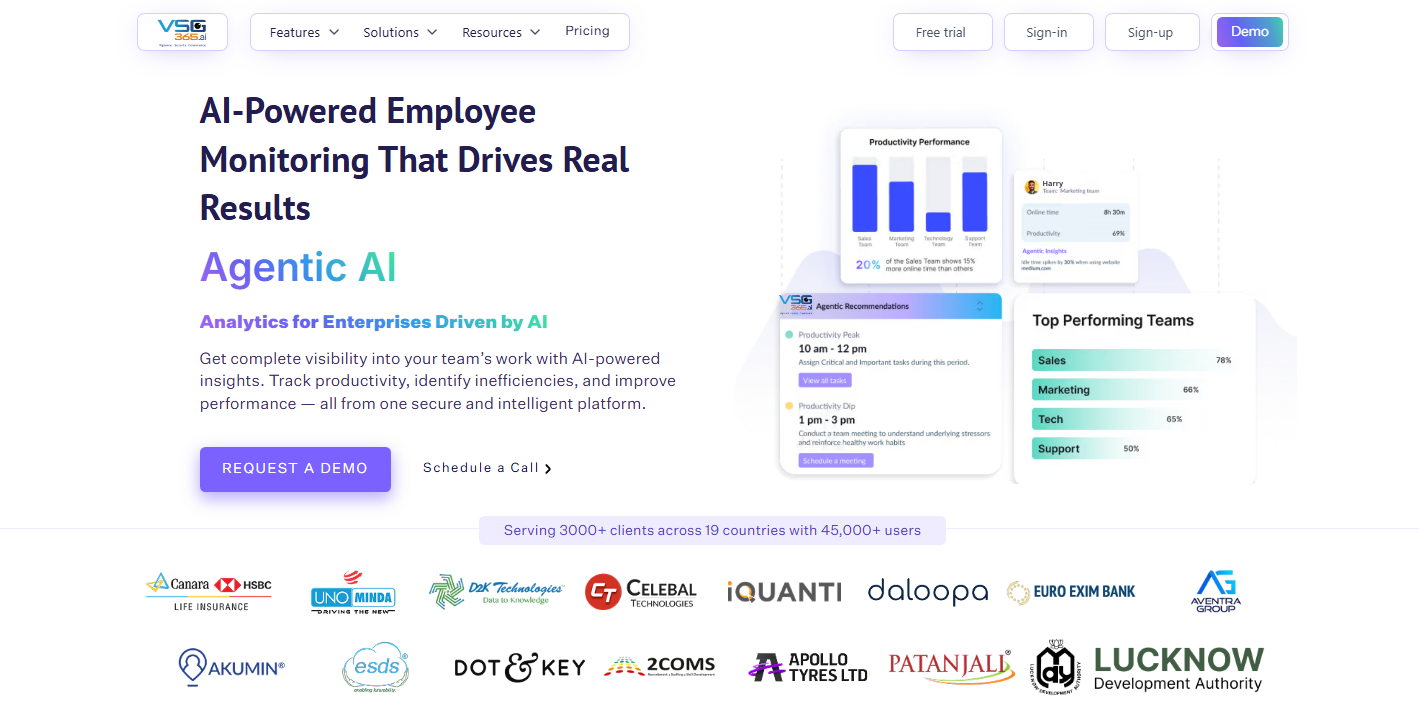
VSG-365.ai is a next-generation employee monitoring software designed to go beyond basic tracking. It leverages AI to provide deep insights into employee productivity, behavior patterns, and operational efficiency.
Unlike traditional tools, VSG-365.ai focuses on actionable intelligence, helping managers make smarter decisions rather than just collecting data.
Why It Stands Out
VSG-365.ai combines remote monitoring software capabilities with advanced analytics, making it ideal for organizations that want to:
Its AI-driven recommendations help managers take proactive actions instead of reactive decisions.
VSG-365 makes remote work more transparent without adding more meetings or manual check-ins. Managers get the data they need to understand productivity, while employees gain clear expectations and fewer interruptions.
With features like activity monitoring, optional screenshots, and advanced workforce analytics, VSG-365 helps identify bottlenecks and reduce wasted time.
VSG-365’s configurable privacy and visibility settings let teams control what’s tracked, for whom, and when — ensuring productivity monitoring stays ethical, trust-first, and aligned with security and compliance standards.
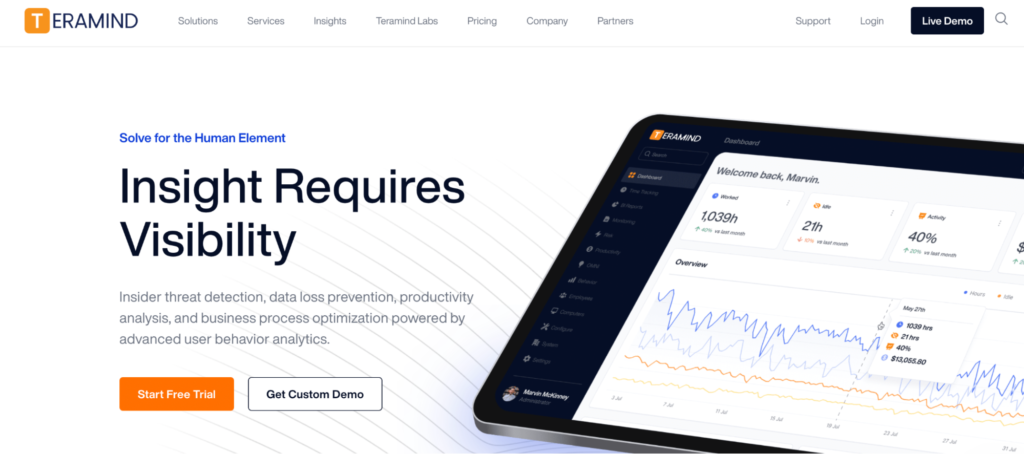
Teramind is a powerful employee tracking software known for its advanced capabilities in tracking employee activity and preventing insider threats. With features like task management and keystroke logging, Teramind provides detailed insights into employee behavior, making it a good choice for companies focused on data security.
With Teramind, companies can expect to significantly enhance their security posture and operational efficiency. The real-time employee monitoring feature allows businesses to maintain a constant watch over employee activities, ensuring that productivity levels are maintained and security risks are minimized.
By preventing insider threats and data leaks, Teramind helps protect sensitive information, maintaining the integrity and confidentiality of business data.
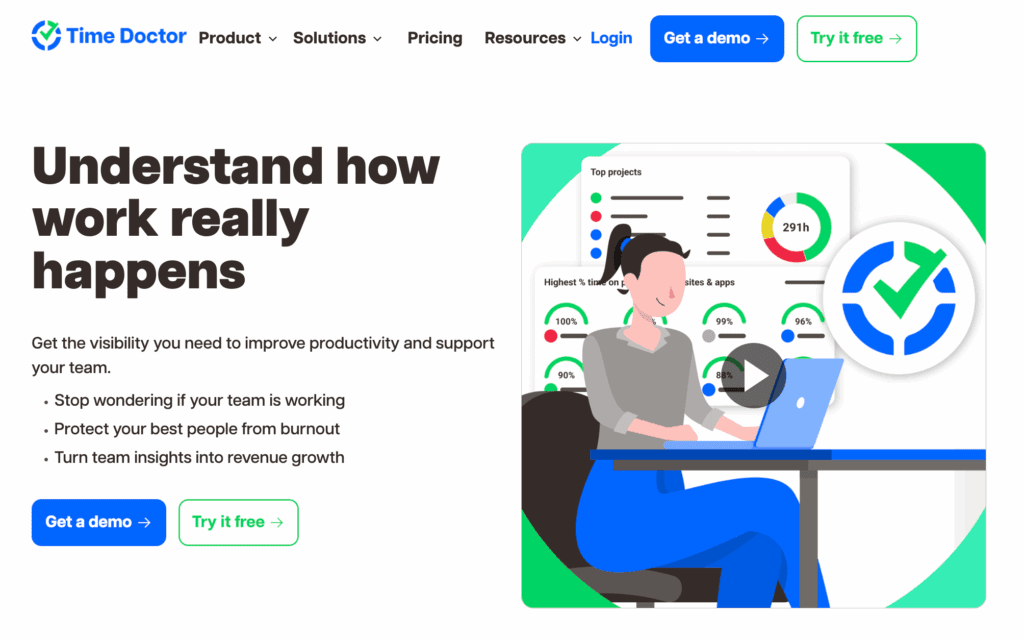
Time Doctor is designed to help businesses track employee activity and boost productivity. With a focus on tracking employee productivity and analyzing employee performance, Time Doctor is an ideal tool for businesses looking to effectively monitor their team’s efficiency.
Time Doctor helps businesses understand how their employees use their work hours. The real-time monitoring feature provides immediate insights into employee activities.
From there, users can then take swift action if productivity issues arise. Detailed productivity reports allow for in-depth analysis of employee performance and detection of shortcomings in the workflow.
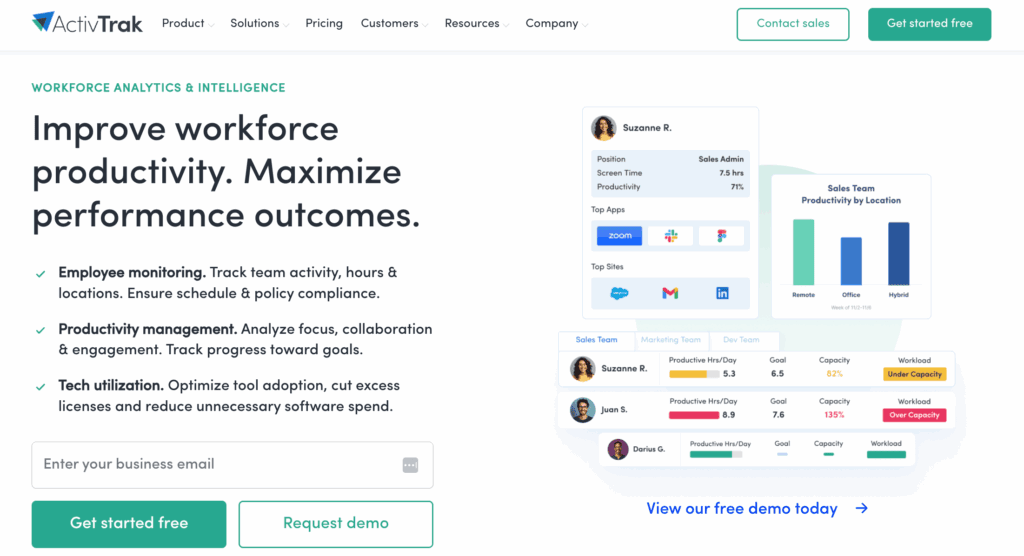
ActivTrak is an employee monitoring solution that helps businesses track employee productivity. It lets companies monitor employee activities, analyze performance, and implement data-driven strategies to improve workflows.
ActivTrak empowers businesses to track employee productivity effectively through its automated employee monitoring capabilities. Detailed productivity insights help identify performance trends, enabling data-driven decisions that enhance overall performance.
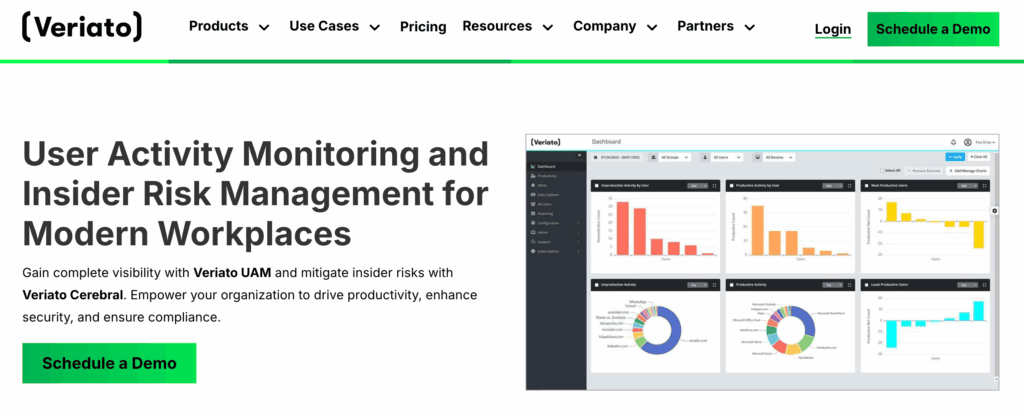
Veriato is an advanced employee monitoring solution designed to provide comprehensive insights into team productivity and potential security risks. With features tailored to teams looking for both user activity monitoring and insider risk management, Veriato equips businesses with the tools they need to track working hours, monitor employees, and safeguard against internal threats.
Veriato’s user activity monitoring capabilities allow managers to track working hours and monitor employees across various devices, ensuring that time is spent productively.Screenshot monitoring and keystroke capture provide a deeper understanding of employee actions.
You’ll be able to identify each employee’s most productive hours while also spotting idle time. Additionally, Veriato’s advanced behavior analysis and risk management features leverage Generative AI to predict and mitigate insider threats.
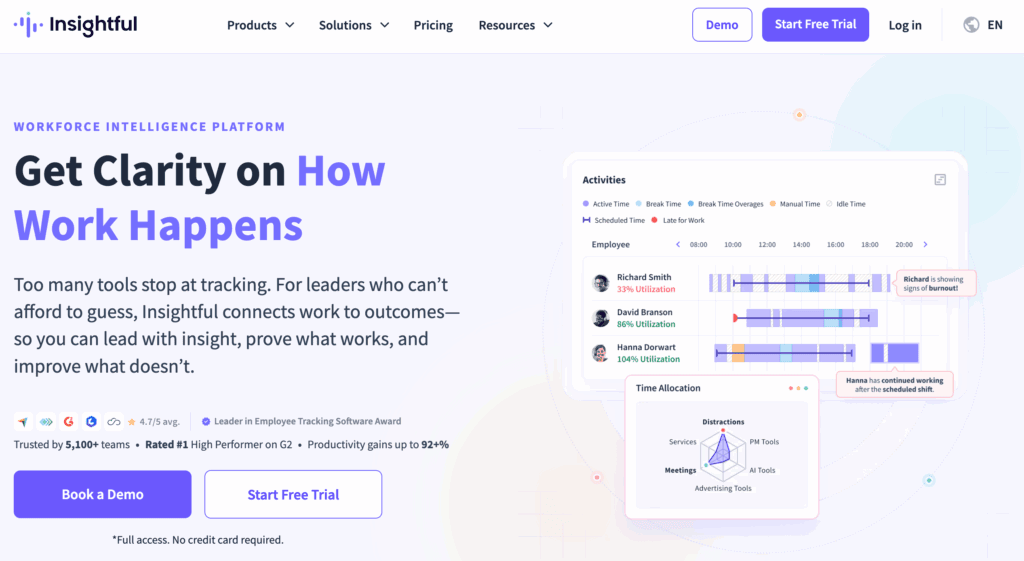
Insightful (formerly Workpuls) is a comprehensive employee monitoring and productivity management solution. By providing detailed insights into employee activities and productivity, Workpuls enables companies to effectively manage projects, track time, and maximize efficiency.
Insightful’s productivity analysis tools provide managers with deep insights into how employees are spending their time, while real-time attendance tracking ensures that employees are working their expected hours. Workpuls’s ability to operate in stealth mode is intended to ensure that monitoring is done unobtrusively. That said, many have strong opinions against it.
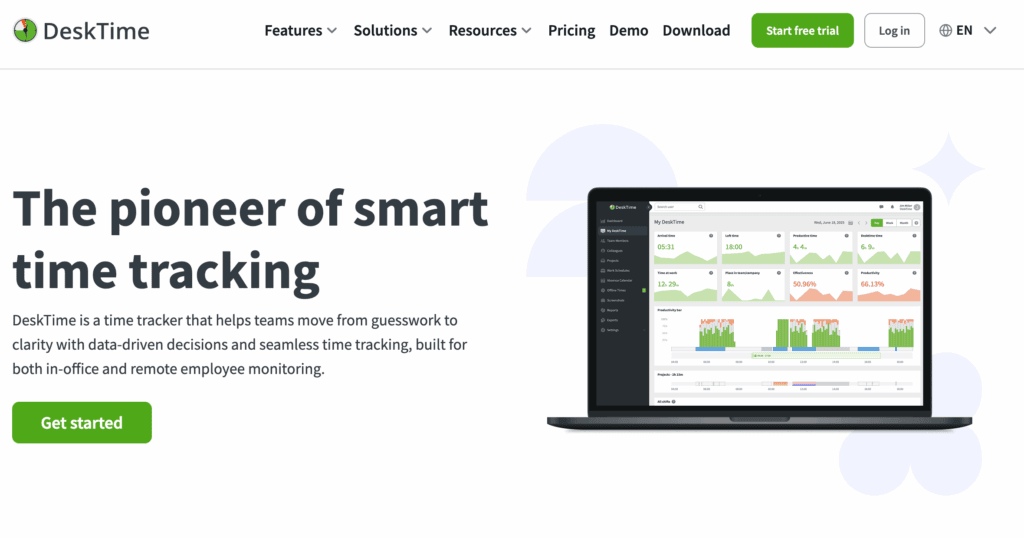
DeskTime provides tools to manage remote teams or office-based employees effectively. With valuable insights into employee activities, DeskTime helps managers make data-driven decisions and maximize efficiency.
DeskTime helps businesses improve productivity and operational efficiency. Managers can identify productivity trends and address potential distractions — and the project tracking feature helps businesses complete projects on time.
While DeskTime offers good activity tracking capabilities, it might not be sufficient if you need more advanced productivity metrics. In that case, you should consider a DeskTime alternative.
Kickidler lets businesses monitor real-time employee activities, track time, and protect against data loss. Its robust capabilities make it a good choice for companies looking to enhance productivity and ensure compliance.
As its name implies, Kickidler has monitoring features that keep idle time at bay. The keylogger feature offers detailed insights into employee behavior, helping identify productive and time-wasting activities. Screen video recording provides a visual record of employee activities, while violation detection helps build a secure and productive work environment.
Staffcop is ideal for organizations looking to implement on-premise monitoring solutions with short-term and long-term options. With features for monitoring and meeting security needs, Staffcop helps businesses monitor employee activities and protect sensitive information.
Staffcop is ideal for companies that prioritize security first and productivity second. With capabilities like data loss prevention and activity monitoring, the app helps businesses maintain efficient and secure operations.
Controlio is an employee monitoring solution designed to give companies visibility into how work gets done, whether in the office or remotely. It emphasizes both productivity measurement and security oversight, making it a good fit for organizations that have monitoring and compliance needs.
Controlio helps managers understand not only how much time is being spent at work but also how it’s being used. It combines productivity analytics with workplace security monitoring to reduce risk while giving leaders actionable insights into team performance.
By now, you’ve seen just how diverse the employee monitoring software space can be. The real challenge isn’t access to the right technology, but rather picking the one employee monitoring software that truly suits your business’ needs.
That will depend on your goals, your team’s setup, and how much oversight you need. Here’s what to keep in mind as you decide.
Identify the specific requirements of your business. What do you need from a computer monitoring software?
Consider factors like the size of your team, the level of detail you need in activity tracking, and any specific compliance requirements your industry might have.
For instance, if you have a remote, international team, you’ll need to take legal considerations for each of those countries into account.
Evaluate the features offered by different employee monitoring solutions. Look for tools that provide comprehensive monitoring capabilities, like time tracking, productivity analysis, screenshots, or utilization. The software you choose should be able to track the specific activities that matter to your business.
Your employee monitoring app should be easy to set up and use — for both administrators and employees. A complex or confusing interface can hinder productivity, induce frustration, and make it harder to get employee buy-in, so prioritize solutions with intuitive design and clear navigation.
Check that the computer monitoring software you choose meets all legal and regulatory requirements relevant to your industry. This includes data privacy laws and any industry-specific regulations.
Read reviews and testimonials from companies that have used the employee monitoring solutions you are considering. This can help you understand the strengths and weaknesses of each tool and make a more informed decision.
Employee monitoring can be a powerful tool, but it also raises important questions about privacy, fairness, and trust. Laws vary by region, and employee expectations vary by culture, so businesses need to tread carefully.
Here are key considerations to keep your monitoring practices legal and ethical.
While it’s important to use computer monitoring software to track productivity, respecting your employees’ personal privacy takes precedence. Clearly define what will be monitored and keep your employees’ personal activities private.
If privacy is a top concern for your team, consider solutions with an ethical, privacy-first mindset. Employee monitoring software like VSG-365 allows users to delete sensitive data, such as screenshots, to protect employee privacy.
Transparency helps build trust and helps employees understand the purpose behind employee monitoring apps. Explain how the tool performs employee monitoring, what data it will collect, and how you plan to use it. Open communication can alleviate concerns and contribute to a positive work environment.Learn about How to Improve Employee Work Performance: Practical Strategies That Work
Different regions have varying laws regarding employee monitoring, so it’s important to stay informed about the legal requirements in your area. This includes data privacy laws and any specific regulations related to employee monitoring solutions. Compliance helps protect your business from legal repercussions and is non-negotiable.
Learn about the ethics of employee monitoring and check out our GDPR, HIPAA, and SOC 2 Type II compliance standards.
There are several top choices when it comes to system monitoring software. VSG-365 is an excellent all-around solution, but other options like Teramind and ActivTrak may offer benefits for specific types of businesses.
Employee monitoring software can be beneficial, but it also has its drawbacks. On the plus side, it helps improve productivity and ensures compliance with company policies. However, it can also raise concerns about privacy and trust among employees. Make sure to prioritize respect for employee privacy and communicate transparently about monitoring practices.
Employee monitoring and productivity software allows you to track employee app and website usage, see keyboard and mouse activity, and monitor real-time activities. These tools provide detailed insights into how employees are spending their time, but it’s crucial to be responsible — track only what you need.
Employee monitoring comes in different forms depending on what businesses need to track. Common types include:
Each type serves a different purpose. Many modern tools combine several of these functions into a single platform as well.
In most cases, yes — employees will know when monitoring software is installed. Many tools include visible indicators or require consent to comply with privacy regulations. Even when “stealth mode” options exist, transparency is the best practice to maintain trust and meet legal standards.
Yes. Many employee monitoring platforms integrate with project management tools, HR systems, payroll apps, communication platforms, employee productivity tools, and other types of tools. These integrations centralize data, streamline workflows, and reduce switching between several apps.
Choosing employee monitoring software isn’t about piling on features — it’s about solving real challenges like accurately tracking time, gauging productivity, and paying employees.
When choosing employee monitoring tools, your choice shouldn’t be based on which one has the most number of features.Instead, it should be the one that solves your real challenges.The options can feel overwhelming, but the path forward is simple: start with your team’s needs, focus on the features that meet those needs, and make sure the tool supports both compliance and employee well-being.If you’re looking for a solution that combines clear productivity insights with respect for employee privacy, VSG-365.ai is built with exactly that in mind.
With workforce analytics, activity monitoring, and customizable privacy controls, it gives leaders the clarity they need while helping employees stay engaged and focused.