Why Jira alone doesn't tell you where the time went
Your Jira board shows what got done. It doesn't show how long people actually worked on it, who got blocked, or which tickets quietly sat open while engineers context switched.
- Story points close but no one knows the real hours behind them
- Sprint velocity drops and you have no data explaining why
- Developers report hours manually which means the data is unreliable by design
- Managers guess at productivity instead of seeing it
- Reporting to clients or leadership means stitching data from three tools
What the VSG-365.ai Jira integration does
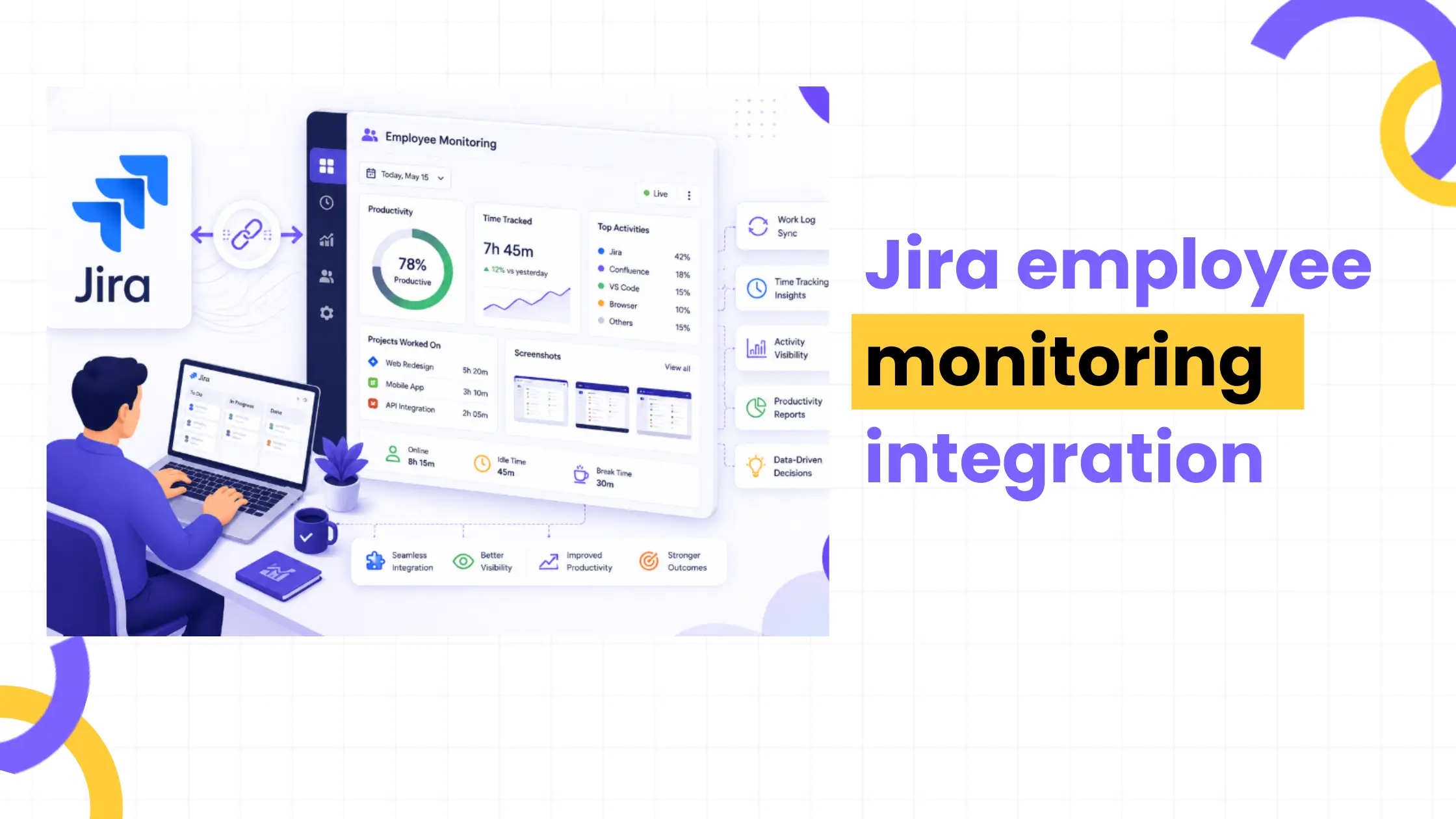
vsg-365.ai's workforce analytics platform sits alongside Jira rather than replacing it. When connected, active time from vsg-365.ai maps to open Jira issues automatically. You see actual working time per ticket, per sprint, per person pulled from real activity data, not self-reported logs.
The integration works in both directions. vsg-365.ai reads issue status from Jira and updates time entries when a ticket moves. Jira picks up custom time logs written back from vsg-365.ai. Both tools stay accurate without manual reconciliation.
This matters most for engineering teams billing clients by the hour, running distributed sprints, or trying to understand why certain developers are consistently overloaded while others have slack.
What the integration covers
- Automatic time mapping - active time logged in vsg-365.ai attaches to the Jira issue open at that moment
- Bidirectional sync - status changes in Jira trigger updates in vsg-365.ai and vice versa
- Sprint productivity reports - see completed points versus actual hours worked per developer
- Idle detection per ticket - know when a ticket was technically open but nobody was actively working it
- Custom field sync - map vsg-365.ai productivity scores to custom Jira fields
- Slack and email alerts - get notified when time on a ticket exceeds estimate by a defined threshold
Prerequisites and pricing
What you need before connecting
- A vsg-365.ai account (any plan, including Free)
- Jira Cloud or Jira Server 8.x and above
- Jira API token (generated from your Atlassian account settings)
- vsg-365.ai admin access to configure the integration
Does this cost extra?
No. The Jira integration is included in all vsg-365.ai plans. vsg-365.ai starts at $5 per user/month. Jira's own plan tier does not need to change - Free, Standard, and Premium all work.
Step-by-step setup
Connecting the two tools
1. Log into vsg-365.ai and go to Settings → Integrations → Jira
2. Click Connect Jira and enter your Atlassian workspace URL
3. Paste your Jira API token (generate one at id.atlassian.com → Security → API tokens)
4. Select which Jira projects to sync
5. Map vsg-365.ai users to their corresponding Jira accounts
6. Set your sync frequency (real-time, hourly, or daily)
7. Click Save and Test Connection - a confirmation appears within 30 seconds
The full walkthrough with screenshots is in the vsg-365.ai integration docs.
Data that syncs both ways
- Jira → vsg-365.ai: issue key, assignee, status, sprint name, story points, due date
- vsg-365.ai → Jira: active time logged, productivity score, custom time fields, completion notes
Customization and automation
Once connected, the integration does more than basic sync.
- Automation rules - trigger a vsg-365.ai report when a Jira sprint closes
- Custom field mapping - write productivity scores into any Jira custom field you define
- Time estimate alerts - flag tickets where actual time exceeds estimate by a set percentage
- Project filters - limit sync to specific Jira projects or issue types (exclude non-engineering queues)
- Webhook support - push real-time events to your own internal systems via vsg-365.ai webhooks
- Role-based visibility - control which managers see individual-level data versus team aggregates
Security and data privacy
Employee monitoring data is sensitive. Here's how vsg-365.ai handles it when connected to Jira.
- vsg-365.ai is ISO 27001 certified and GDPR compliant
- Data is encrypted in transit (TLS 1.2+) and at rest (AES-256)
- Jira API tokens are stored encrypted; vsg-365.ai never stores your Atlassian password
- You control data residency EU, US, and India regions available
- Employees can view their own productivity data via the vsg-365.ai employee portal
- Audit logs record every data access event for compliance review
For teams in regulated industries, vsg-365.ai also supports data privacy configurations that limit what syncs to Jira versus what stays internal.
Performance and limits
- Sync latency: under 2 minutes for real-time mode; up to 60 minutes for daily batch
- Projects supported per connection: unlimited
- Users per sync: up to 10,000 (enterprise plans)
- API rate limit: vsg-365.ai respects Jira's API limits automatically no manual throttling needed
- Historical data import: sync up to 12 months of past Jira activity on first connect
Troubleshooting
Connection fails at Step 3 Check that your API token has read/write scope on the selected projects. Tokens scoped to a single project won't authenticate workspace level connections.
Time entries not appearing in Jira Confirm that the vsg-365.ai user is mapped to the correct Jira account. Unmapped users log time but it doesn't write back.
Sync stopped after a Jira update Atlassian deprecated older API versions periodically. Check the vsg-365.ai status page for any active incidents, then re-authenticate the connection from Settings → Integrations.
Duplicate time entries This happens when both manual Jira time logging and vsg-365.ai auto sync are running together. Disable Jira's native time tracking on integrated projects to avoid conflicts.
ROI and cost analysis
The business case is straightforward. Manual time tracking costs roughly 15–20 minutes per developer per day entering logs, correcting estimates, reconciling sprint reports. For a 20-person engineering team, that's 5–7 hours of lost time daily.
| Without VSG-365 |
With VSG-365 |
| Manual time entry per developer |
Automatic time capture from activity |
| Sprint reporting built by hand |
Sprint productivity report auto generated |
| Productivity guesses based on ticket count |
Actual hours per ticket with idle detection |
| Client billing relies on self reported logs |
Verified time data ready for invoice |
| No visibility into blocked vs active work |
Blocked-time flag per developer per sprint |
| Three tools to reconcile for one report |
Single dashboard combining Jira and activity data |
| Manager time on weekly status reviews |
Automated weekly digest by email or Slack |
At $5/user/month, the integration pays for itself if it saves each developer 10 minutes a day on logging. Most teams report saving more.
Real-world use cases
IT services (billing clients): An 80-person development shop in Pune uses vsg-365–Jira to generate verified hour logs per client project. Billing disputes dropped after the first quarter because time data came from activity, not estimates.
BPO (sprint delivery): A BPO running agile delivery for offshore clients uses sprint productivity reports from vsg-365.ai to flag when story points are underestimated before the sprint closes, not after.
EdTech (distributed teams): A remote-first EdTech company across three time zones uses vsg-365.ai's idle detection to understand when developers in different regions are actually overlapping versus working in isolation.
Why use vsg-365.ai for Jira employee monitoring integration?
| Feature |
VSG-365 + Jira |
ActivTrak |
Hubstaff |
| Bidirectional Jira sync |
Yes |
No |
Partial |
| Sprint productivity reports |
Yes |
No |
No |
| pricing ($/user) |
$5 |
Not available |
$10+ |
| GDPR + ISO 27001 |
Yes |
GDPR only |
GDPR only |
| Employee self-view portal |
Yes |
No |
Yes |
| Setup time |
Under 15 min |
30–60 min |
30–45 min |
For a detailed comparison, see vsg-365.ai vs Hubstaff and vsg-365.ai vs ActivTrak.
Who uses this integration?
- IT services firms - correlate developer output with client-billed hours
- BPO teams - track agent productivity across Jira-managed workflows
- Banking and fintech - audit-ready time logs for regulated projects
- EdTech companies - sprint delivery tracking for distributed engineering
- Consulting firms - map billable hours to specific deliverables automatically
- SaaS product teams - understand feature development cost by ticket
- Healthcare IT - compliance-ready activity logs alongside project tracking
See vsg-365.ai in action
Frequently Asked Questions (FAQ)
What is Jira integration?
›
Who is Jira's biggest competitor?
›
Can we integrate Jira with AI?
›
Which tools can be integrated with Jira software?
›
Does the VSG-365 Jira integration require a paid plan?
›
How long does the VSG-365 Jira integration setup take?
›
What data syncs between the tools?
›
Can I disconnect later without losing data?
›
Is the integration secure and GDPR compliant?
›
What is Jira integration?
A Jira integration connects Jira's project tracking data to another tool, in this case VSG-365. Time logs, issue statuses, and sprint data sync automatically between the two platforms so you don't need to manage them separately.
Who is Jira's biggest competitor?
Linear, Asana, and ClickUp are the most commonly cited alternatives for engineering teams. VSG-365 integrates with Jira rather than competing with it, helping teams gain deeper visibility into productivity and work patterns.
Can we integrate Jira with AI?
VSG-365 uses machine learning to score productivity patterns within Jira workflows, flagging unusual time-per-ticket ratios, predicting sprint overruns, and surfacing blockers before they delay delivery. The integration does not require any AI-specific Jira add-on.
Which tools can be integrated with Jira software?
Jira supports hundreds of integrations through the Atlassian Marketplace, including Slack, Confluence, GitHub, Bitbucket, Zoom, and VSG-365. The VSG-365 integration is native and does not require a third-party connector.
Does the VSG-365 Jira integration require a paid plan?
No. The integration works across all VSG-365 plans. Jira's own plan level does not need to change, and Free, Standard, and Premium editions can connect successfully.
How long does the VSG-365 Jira integration setup take?
Under 15 minutes for most teams. You need a Jira API token, VSG-365 admin access, and a few configuration steps in the settings panel.
What data syncs between the tools?
Jira sends issue keys, assignees, statuses, sprint names, and story points to VSG-365. VSG-365 sends active time logged, productivity insights, and custom time fields back to Jira. Both directions update automatically based on your chosen sync frequency.
Can I disconnect later without losing data?
Yes. Disconnecting the integration stops future syncs but does not delete historical data on either platform. Your Jira data remains in Jira, and your VSG-365 data remains in VSG-365.
Is the integration secure and GDPR compliant?
Yes. VSG-365 follows GDPR compliance standards and secures data using encryption both in transit and at rest. API credentials are protected, and historical project information remains secure throughout the synchronization process.